Questions
Good to know
Does it work offline?
Yes. After the models download once, you don’t need a connection. Presenting, listening, the Summary and the coach all run on your machine.
Can it listen to a Zoom, Meet or Teams call?
Yes. An online session captures the call’s audio along with your microphone, after the system’s own permission prompt. In a room it uses the microphone. A recording indicator stays on screen for as long as it records, and you’re asked to tell the room. A ten-second listening test on the start sheet shows you it’s working before the meeting does.
Does it know who said what?
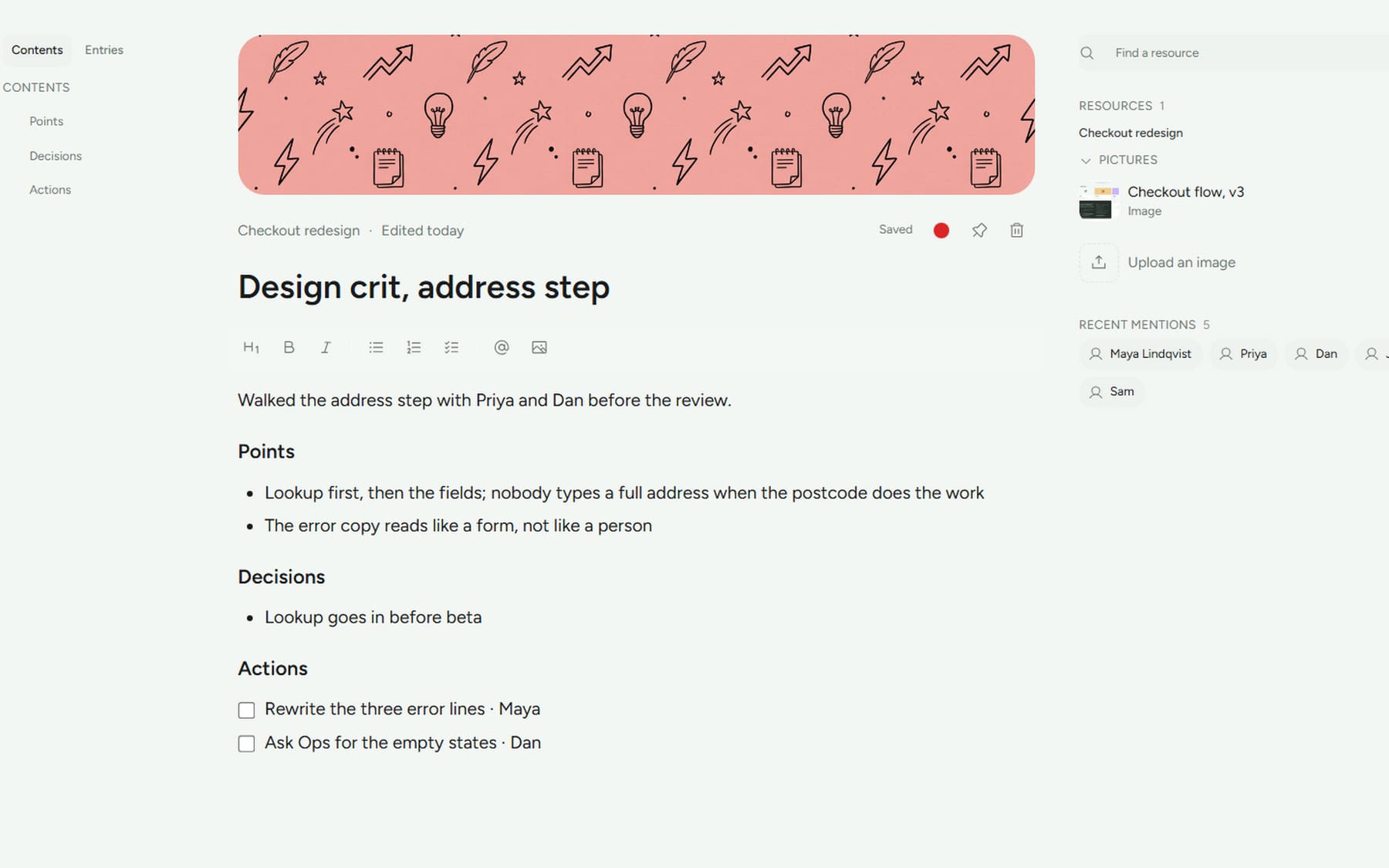
Only when you tell it. A wrong name in a Summary is worse than no name, so Arclio never guesses. Type @Priya in front of a line during the meeting and it stays attached. On a call it does tell you and the room apart.
How long does the Summary take, and how good is it?
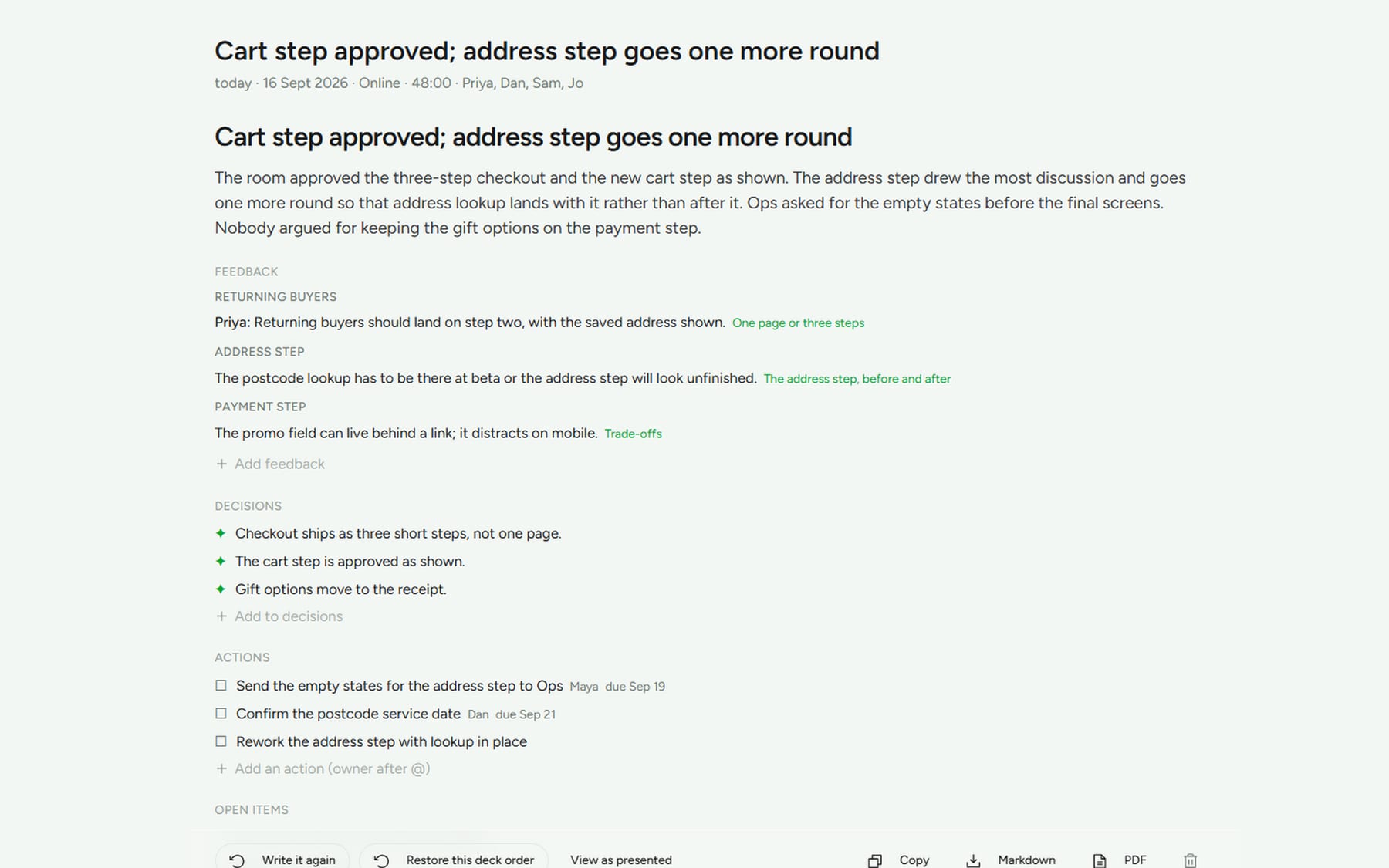
About a minute and a half for an hour on an M1 with 16 GB. It’s written from the transcript and from what you typed, checked against the deck, and it says plainly when the recording was too thin to say more. Everything is editable.
Where is my data?
In a folder you choose on first launch, as plain files: one folder per deck with its sessions, transcripts and Summaries, and a folder for notes. Point it at iCloud Drive or Dropbox to take it between machines. Model files live with the app, not in your folder.
Does it slow my computer down during a meeting?
Listening is light. The writing happens when you end the session, and it runs in the background, so you can close the sheet and move on.
Can I bring in my Keynote or PowerPoint deck?
Yes. Drop in a PowerPoint and it comes in laid out in Arclio’s layouts; Keynote and Google Slides get there through their PowerPoint export. Or paste a brief, or a document, and the model drafts the deck for you to review. Going the other way, a deck exports as a PDF, a slide a page, and as a PowerPoint with every slide as a picture and your notes as speaker notes; every Summary and doc exports as Markdown or PDF.
What happens when the trial ends?
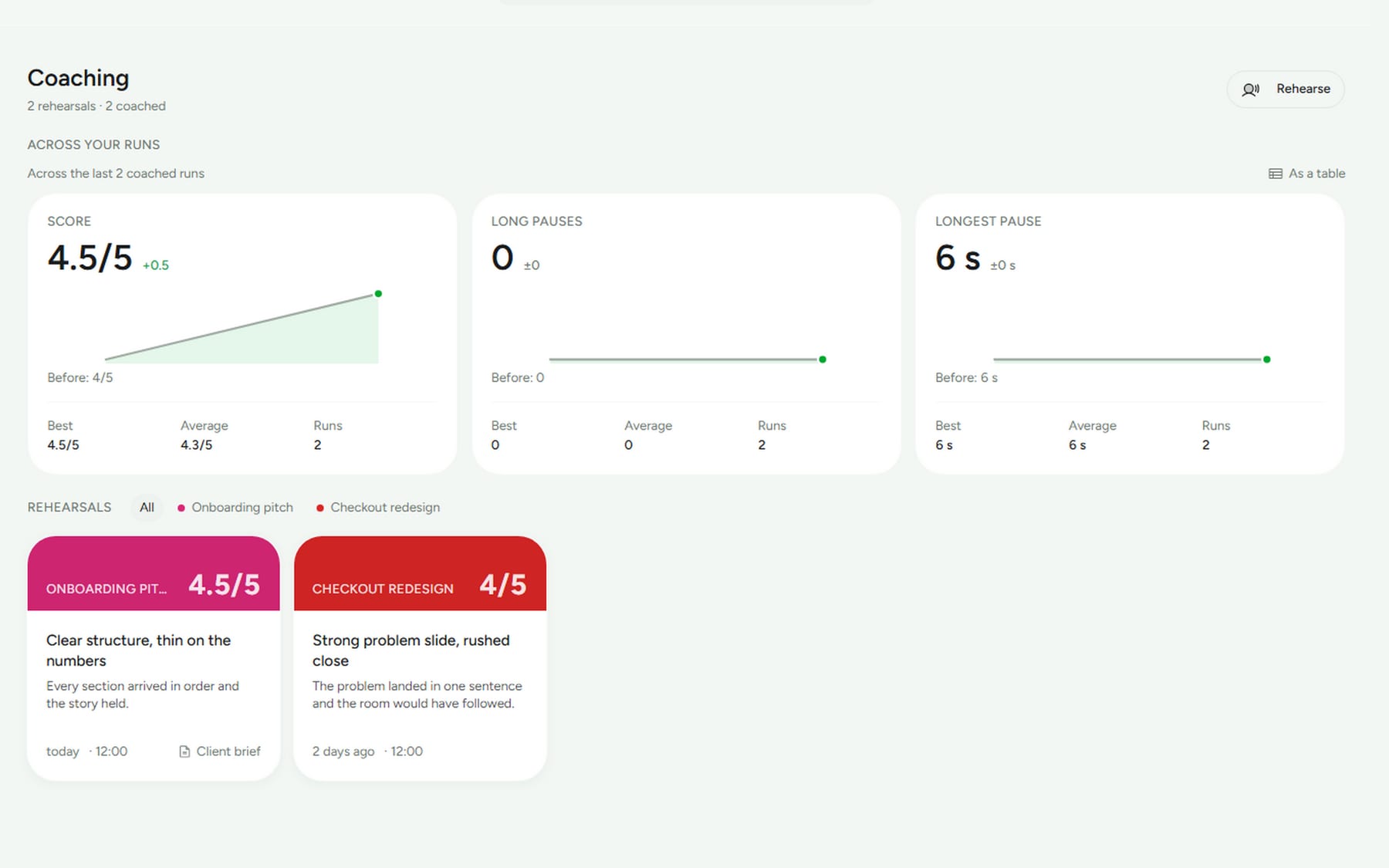
The trial is the full app for five sessions. After that, presenting and saving keep working; only the written Summary waits for a key. You never lose a deck, a session or a note. Rehearsals never count toward the trial.
Which computers does it run on?
Mac: macOS 14 or later on Apple silicon, M1 or later. Intel Macs aren’t supported. Windows: Windows 11, no graphics card needed. 16 GB recommended on both. One purchase covers both.
What does it need on disk and in memory?
About 6 GB of disk for the app and both models, downloaded once at first launch. Gemma 4 writes and Whisper listens, both open weights, both on your machine. 16 GB of memory is recommended; 8 GB works with the smaller transcription model. Turn on vision in Settings and Gemma can see the pictures on your slides, an extra download. If you already run models with Ollama or LM Studio, Arclio can use one of those instead of downloading its own.
Does it work in my language?
Arclio reads in English, Dutch, Spanish, Italian and French, chosen at first launch or in Settings. Whisper listens in that language, and the Summary, the coach and the docs are written in it. Words like Deck, Summary and the Arc stay as they are.
How do I capture something quickly?
Press ⌘⇧N anywhere on your Mac while Arclio runs and a small field opens over whatever you’re looking at; ⌘↵ saves it as a doc on the deck you worked on last. A #tag in any doc becomes a filter in the Studio, and @Name attaches a person.
Lost your key?
Enter the email you bought with on the resend page and it’s sent again.